
Save production time
Move from long-form inputs to structured output with a repeatable workflow.
 EbookAI includes:
Upload any video
Video Collector from YouTube, Instagram, TikTok, Web URLs
Expand content generation by transcribing videos
Automatic cover for content generation
Multi-language support for global reach
Analyzes and enhances your content
Engagement to create compelling content
Smart Summarization, Key Points, Questions
Customizable layouts, fonts, and color schemes.
New
Collect sources while you browse, detect profile videos faster, and send them directly to your flow.
Built for speed and clarity
Move from long-form inputs to structured output with a repeatable workflow.
Keep formatting and section quality consistent across mixed source types.
No complex setup. Start generating from the first project quickly.
 EbookAi
❌ 😩 Planning audience.
❌ 😩 Research and gather necessary information.
❌ 😩 Outline your content.
❌ 😩 Start writing based on your outline.
❌ 😩 Review your draft for clarity, grammar, and structure.
❌ 😩 Use formatting tools like Microsoft Word and many more.
❌ 😩 Create an attractive cover that reflects the content of your eBook.

Diversification of content also provides an opportunity to monetize videos into eBooks.

Convert video lectures into eBooks in minutes, making them easier to reference in academic work.

Make it easier for employees to follow along and review material at their own pace.

Students can use eBooks as reference materials to deepen understanding.
Extend video content as a document with concise versions that highlight key points and essential information.

Leverage AI to refine and enhance your content, ensuring clarity and coherence throughout your eBook.
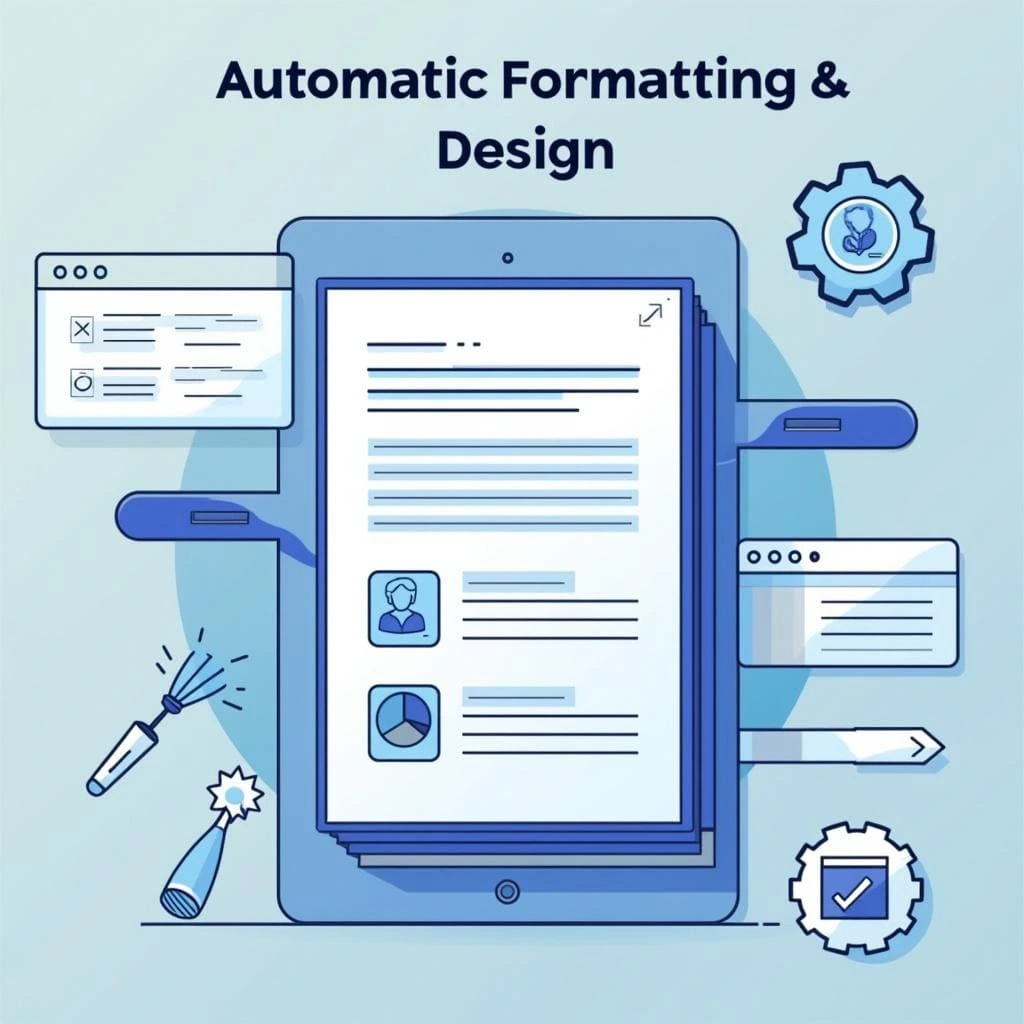
Use AI-designed eBook templates with customizable layouts, covers, fonts, and color schemes.
Drag and drop your content or video files for quick processing. No complicated setup required.
EbookAI automatically transcribes video content in multiple languages for seamless inclusion in your eBooks.
Convert your content to PDF, DOCX and more formats for cross-device compatibility.
Automatically divide your content into logical chapters for better organization.
You can upload videos from various sources: YouTube links, MP4 files, AVI files, and MOV files.
Our system handles a wide range of formats to ensure flexibility for users.
Transcription time depends on the length of your video:
These are estimates and may vary based on video complexity and system load.
We currently support transcription in US English, British English, Spanish, Portuguese, German, French, and Chinese.
We are constantly adding support for more languages.
Your privacy and data security are top priorities. Video content is processed on secure servers and not stored beyond the required conversion period.
You do. We grant full commercial license and ownership over your eBooks.
If you experience any issues, contact our support team at contact@ebookai.co. We are here to help with technical questions.
Yes. You can cancel your subscription at any time from your Billing portal, where you can also download invoices and switch plans.
Refunds are not available due to processing costs. You can cancel anytime, and your subscription will end at the end of the billing period.
![{props.projects[item].title}](https://i.ytimg.com/vi/iG9CE55wbtY/sddefault.jpg)
![{props.projects[item].title}](https://i.ytimg.com/vi/_rKceOe-Jr0/sddefault.jpg)